Moving from Excel to a church management system without losing data
A practical guide to organizing your church data before migrating it: what to review in your Excel file, which fields to keep, and how to upload it without losing follow-up history.
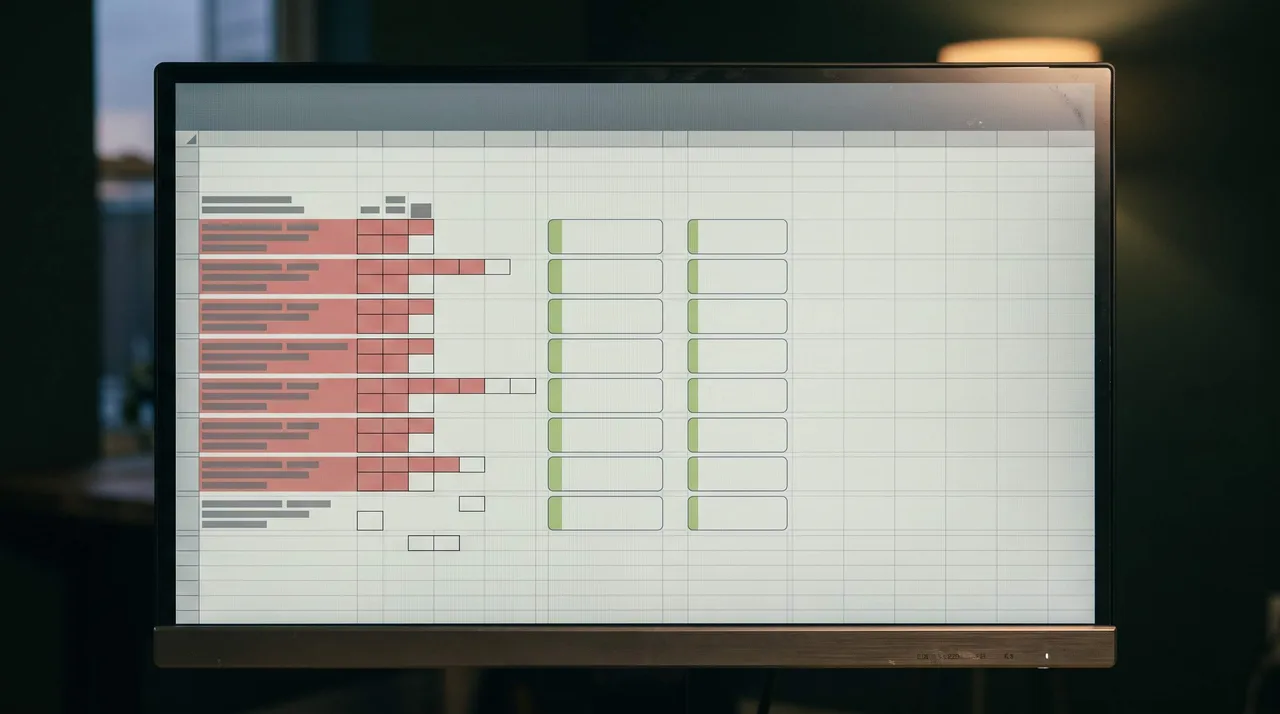
Your church started with a spreadsheet. Name, phone number, baptism date, a few columns with loose notes. It worked for years, and it probably still works fairly well today.
The problem doesn’t appear all at once. It shows up when the church grows: more members, more small groups, more people entering data their own way. Today there are two or three versions of the same file floating around, and no one is entirely sure which one is the latest.
That is the moment when moving from Excel to a church management system stops being a cosmetic upgrade and becomes necessary. It can be done well, without losing a single piece of data, but the organization has to happen before anything moves, not after.
Why move from Excel to a church management system
An Excel file works as long as one person manages it and the volume is manageable. The problem begins when that is no longer true.
It becomes hard to know who entered what. A small-group leader notes “missed two Sundays” in a free-text column; another simply leaves it blank because they don’t know that column exists. The office team has its own version of the file, different from the pastor’s file used for pastoral follow-up.
None of them is doing their job badly. The problem is the tool: a spreadsheet was not designed for several people to use it at the same time, with the same criteria, for years.
Before migrating: what to review in your current Excel file
Migrating is not just copy and paste. Before that, it’s worth reviewing:
- Duplicates: the same member entered twice, with different data in each row.
- Empty fields: columns with half the rows incomplete, which you should decide whether to fill in first or leave out.
- Loose sheets: files by small group or ministry that were never consolidated into one.
- Different criteria: one person writes “active,” another “attends,” and another leaves the cell blank to mean the same thing.
This step takes more time than the migration itself, but it is what prevents you from carrying disorder from one place to another.
Which fields to keep and which to leave behind
Not everything in the current Excel file needs to carry over exactly as it is. Some fields are the core of pastoral follow-up: full name, contact information, date of entry, small group or ministry they belong to, attendance history, visits, and follow-up notes.
Other fields usually get left behind: duplicate columns with the same data written differently, loose notes without structure that no one reads again, old versions of data that have already changed, such as a previous address or a phone number no longer in use.
The practical rule is simple. If a field helps identify each person and understand their follow-up, keep it. If it only takes up space, leave it behind.
Will the follow-up history be lost during migration?
No, if the spreadsheet is cleaned up before it is uploaded. What gets lost in a badly handled migration is not the history itself, but the criteria: if two people recorded the same thing using different words, the system does not know it is the same information. Unifying those criteria before migrating is what keeps the follow-up complete on the other side.
That is why the review step, with duplicates, empty fields, and loose criteria, is not optional. It is the difference between migrating organized data and migrating the same disorder somewhere else.
How the upload is completed
Once the Excel file is clean, the upload itself is simple. There is a ready-made template designed to enter the data that is currently scattered: name, contact, small group, date of entry. That template is filled out with the already organized information and uploaded to the system, and the members are loaded without having to type them one by one.
It is the same work you already did by organizing the Excel file. Only instead of living in a loose file on one computer, it becomes centralized and accessible to the whole pastoral team.
How to organize the migration without disrupting the church week
Migrating doesn’t have to mean pausing operations in the meantime. A few simple decisions help:
- Assign one person to unify the Excel file before completing the template.
- Migrate active members first; historical records can be added later.
- Keep the previous Excel file as a backup, but stop using it to enter new information from the day of migration.
- Review with small-group leaders that what was uploaded matches what they see week after week.
None of this requires stopping meetings or reorganizing the pastoral schedule. It is desk work, done once, that prevents having to repeat it every six months.
Frequently asked questions
How long does it take to migrate a church’s data?
It depends more on the condition of the Excel file than on the number of members. With the data already organized, completing the template and uploading it is quick. The real time goes into the step before that: unifying duplicates and criteria.
Do I need technical knowledge to migrate?
No. It is enough to understand which fields the template asks for. The prior work of deciding what to keep and what to leave behind can be done by anyone on the pastoral team; no technical profile is required.
What happens if different people entered the data differently?
It is best to unify everything into a single version before migrating. It is the step that takes the most time, but it is also the one that prevents the disorder from the old spreadsheet from being repeated in the new system.
The spreadsheet was not a bad decision. It was the right tool for a time. Moving from Excel to a church management system is simply the next step when people’s follow-up needs more order than a spreadsheet can support.
Less administration. More people.
If your church is at the point of leaving Excel behind, you can join the INPERIA waitlist, free of charge in this first stage.
- church administration
- church growth
- church management
- INPERIA
- church organization
- pastoral follow-up
- church software