Inperia Help Center
Step-by-step guides to organize your church with Inperia, from day one down to every detail of each module.
Guides by section
Section titled “Guides by section” Getting started Create your account, set up your church, get to know the dashboard and bring in your team.
Reports Attendance, consolidation, care and cell groups over time, with goals and the month summary.
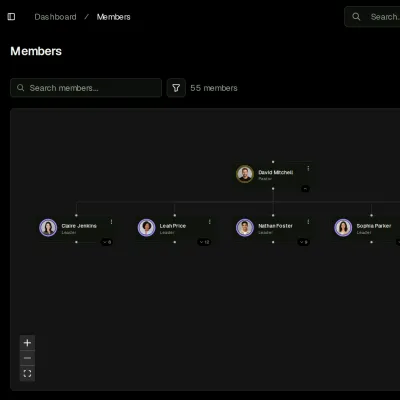
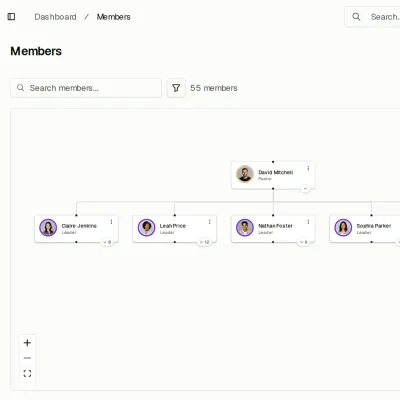
Members The list and each person's record, families, invitations, duplicates and importing.
Growth Ladder Your church's rungs, the leadership tree and how someone gets promoted.
Contacts The people who are not members yet, their follow-up and their conversion.
Meetings Schedule meetings, set up series that repeat and take attendance from your phone.
Follow-ups One-on-one pastoral reports: appointments, records and who can read them.
Cell groups The homes where the church meets in small groups, their encounters and reports.
Courses What your church teaches: the catalog, the groups and the classes with their attendance, and who passed each course.
Care Who to reach out to and why: the inbox with the people who need attention and what to do for each one.
Calendar Your whole agenda in one place, synced with Google, Apple or Outlook.
Settings Roles and permissions, tags and custom fields.
Account Your church's details, its owners, the church network and billing.
Your profile Your details, your language, notifications and the security of your account.
Help How to ask the Inperia team for help, and the glossary of terms.
Common tasks
Section titled “Common tasks”- Import members from Excel or CSV
- Invite someone to use the app
- Schedule a meeting that repeats
- Take attendance from your phone
- See who to reach out to this week
- See a person’s attendance over time
- Schedule a course’s classes
- Print the month summary
- Create a role with tailored permissions
- Bring your meetings into Google, Apple or Outlook
Need help?
Section titled “Need help?”If something doesn’t work the way you expect, write to us from the app. If you don’t have an account yet, check the frequently asked questions or contact us. There’s also a video tutorial that walks through the whole platform.